Ender 5 S1 worth every $.
My thoughts on it.
click here
New tool review next
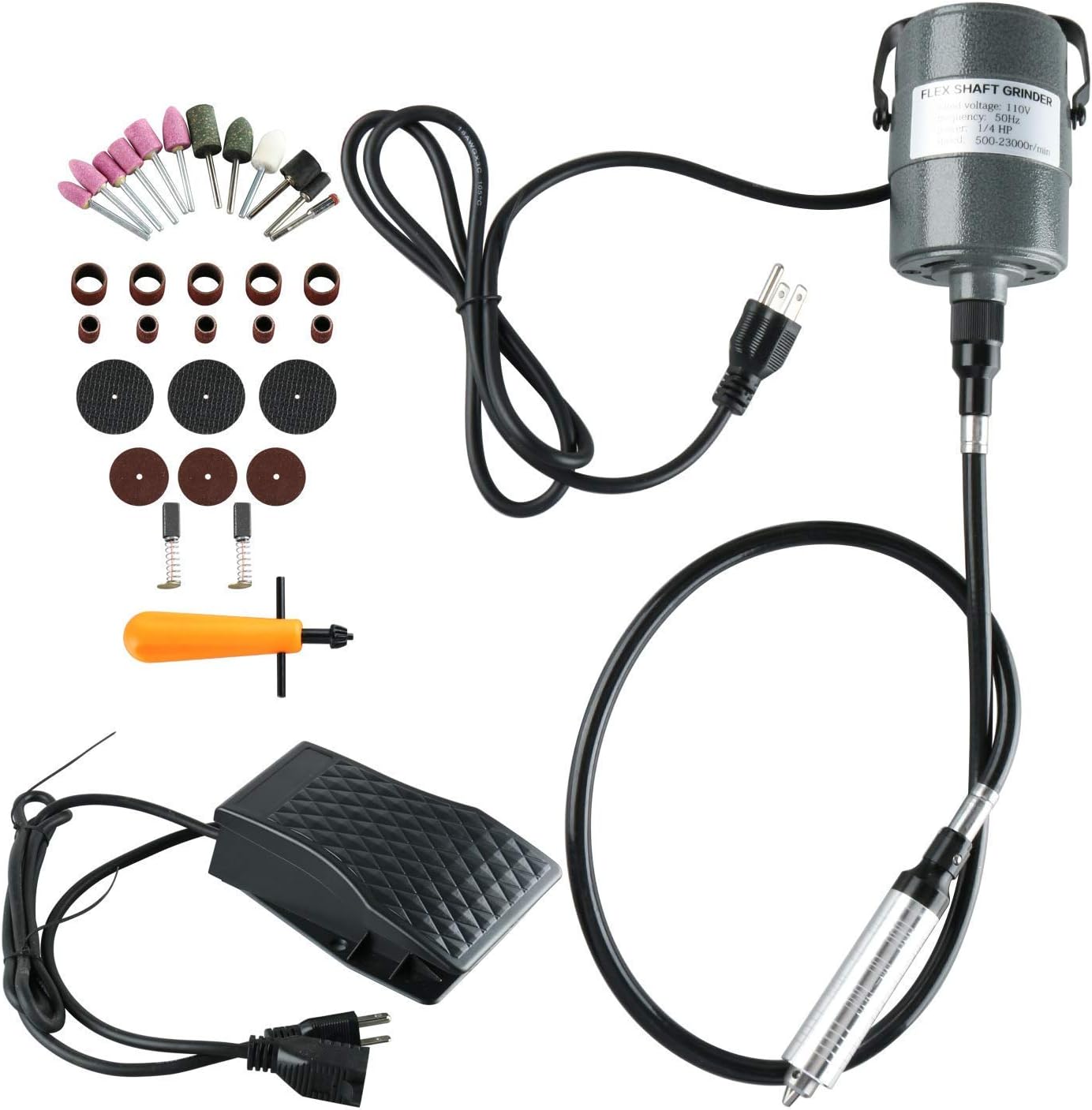
Yaetek 1/4"HP Flex Shaft Grinder Carver Rotary Tool Hanging Electric Grinding Machine Metalworking Tools Foot Pedal Control 380W Power Rotary Tool for Carving, Drilling, polishing
Autodesk Fusion 360 (3D CAD Software)
"FUSION 365" can refer to different products, but most often refers
to Autodesk Fusion 360, a 3D CAD/CAM/CAE tool for product design.
Autodesk Fusion 360 is highly
praised for its user-friendly interface, making it excellent for
beginners and hobbyists, especially for 3D printing and CNC
machining, with a generous free license for non-commercial use.
However, experienced CAD users sometimes find its workflow and
certain tools less efficient than professional-level software and
note occasional instability.
- Best for: Hobbyists, students, and small businesses due to its powerful, all-in-one toolset for design, simulation, and manufacturing.
-
Pros:
- Intuitive and easy to learn: Features a clean interface and is generally considered easier for beginners to pick up than other CAD programs.
- Free for personal use: A free license is available for students, teachers, and hobbyists.
- Integrated workflows: Combines CAD, CAM, and CAE tools, making it easy to go from design to manufacturing (e.g., for 3D printing or CNC) within a single program.
- Collaborative features: Offers cloud-based, collaborative workspaces for teams.
-
Cons:
- Workflow issues: Experienced users report some tools, like fillet/chamfer and 3D navigation, can be clunky and slow down workflow compared to more established professional software.
- Assembly constraints: Some users find applying constraints and motion analysis in assemblies could be improved.
- Stability concerns: Some long-term users report issues with stability and performance in newer versions.
- Limitations for large-scale projects: May not be suitable for large-scale, multi-vendor product development or for creating complex manufacturing drawings and specifications required for large companies.